PAY & SEND

Money moves.
So do you.

Send to a compatible wallet, whenever you need to. A simple flow, a clear review, and no vildX fee on personal wallet transfers.

Current transfers settle in USDC on supported networks. vildX covers network and other third-party costs incurred through the platform.

WALLET TO WALLETILLUSTRATION
V
FROMYour wallet
EXAMPLE AMOUNT75 CAD

Illustrative equivalent only

To JamieCompatible wallet
Review before you send.

A visual example. No transfer is connected.

Public networks, 24/7 Personal transfers: $0 vildX fee USDC transfers today

KNOW THE FLOW BEFORE YOU GO

Three steps.
A clear next move.

This local walkthrough explains the flow. It does not connect a wallet or send money.

01 / THE DESTINATION

Start with
the right wallet.

Choose your recipient and a network supported by both wallets. The receiving wallet needs to support USDC on that same network.

The person and amount in this walkthrough are examples.

JJamieExample wallet recipient
Compatible USDC wallet
02 / THE DETAILS

A quick check.
A clearer send.

Review the recipient, asset and network together. Use the live amount and costs shown in the app when making a real transfer.

REVIEW EXAMPLE
AssetUSDC
NetworkBase
vildX transfer fee0

The recipient needs USDC support on Base. vildX covers network and other third-party costs incurred through the platform.

03 / YOUR DECISION

Your review
comes first.

In the real app, check the final details and authorize your transaction when you’re ready. Confirmation timing depends on the network.

Continue in vildX

You’re in control.

This walkthrough ends here.
No money has moved.

EXPLANATION ONLY

A CLEAR PICTURE OF WHAT’S AVAILABLE

Here today.
On the horizon.

Wallet transfers are available now. Other ways to receive money are still being built.

AVAILABLE NOW

Wallet to wallet.

Send USDC to a compatible wallet using a supported network. Check current network and recipient details in the app.

Open vildX
COMING SOON

More ways to receive.

Local-currency payouts to bank accounts, Interac e-Transfer and other local rails are planned. Bill pay and recurring payments are also on the roadmap.

Availability, timing and final terms will be confirmed as features launch.

AT THE COUNTER?

A small scan.
Back to your day.

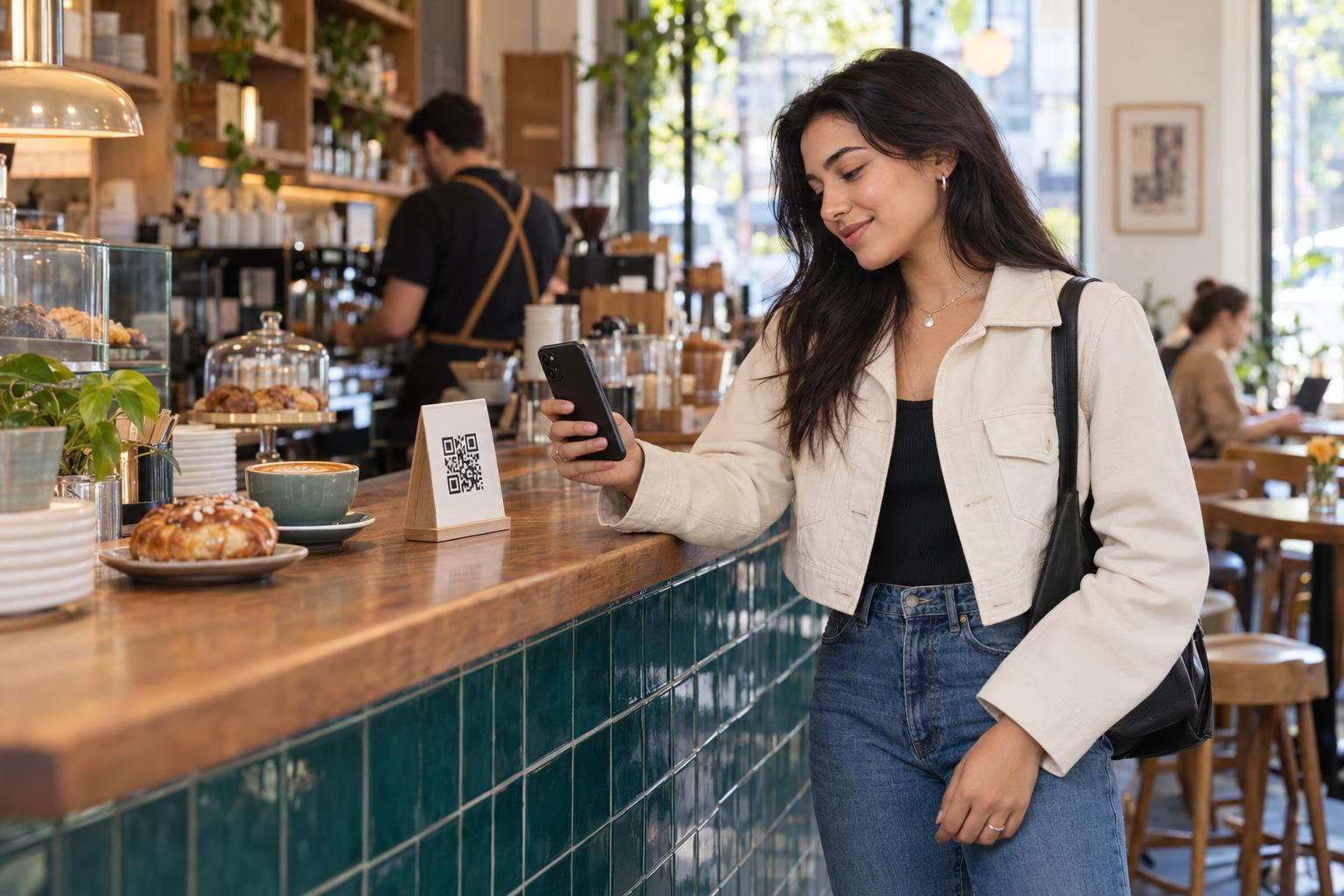
Pay & Send is for wallet transfers. Scan & Pay brings a QR flow to participating Canadian merchants.

A customer holding a phone toward a café payment QR stand

BEFORE YOUR FIRST SEND

Good questions.
Clear answers.

A little clarity goes a long way.

Talk to vildX
What does the recipient receive?

Current wallet transfers settle in USDC. The receiving wallet must support USDC on the selected network. Local-currency bank payouts and recipient e-Transfer options are coming soon.

Can I use any network?

Use a network currently supported in the vildX app and by the receiving wallet. A matching address alone does not establish compatibility across networks. Review the asset and network before authorizing a transfer.

Are the example amounts real?

No. The CAD amount and recipient in this walkthrough are illustrations. It does not calculate a live exchange rate, access an account or send funds. Real transfers use the supported asset and amounts shown in the app.

Does vildX charge a personal transfer fee?

vildX charges no fee for personal wallet transfers. vildX covers network and other third-party costs incurred through the platform. Review the final details in the app before you confirm.

How long does a transfer take?

Confirmation time depends on the selected network, network conditions and the receiving service. No fixed delivery time is promised. Follow the transaction status in the app.
Ready when
you are.

Your next transfer starts with a clear review.

Open vildX
Talk to a human

Let’s talk.

Choose how you’d like to reach us.

Explore support